

Your job is just one swipe away
The iPhone app brings Approved Potentials matching to your phone: you see matching jobs as cards, decide with a swipe and message the company directly after a match. The app is coming soon to the App Store – you can register right now.
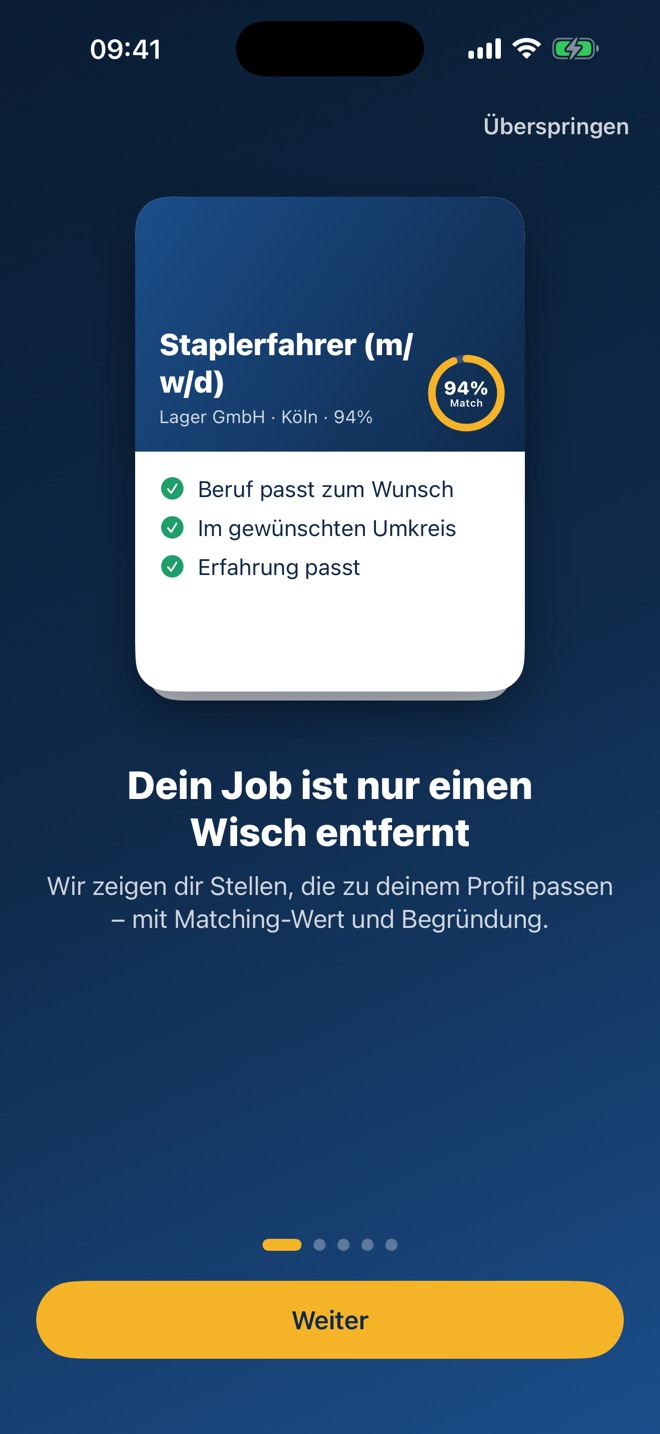
How the app works
From opening the app to the first conversation – in four steps.
-
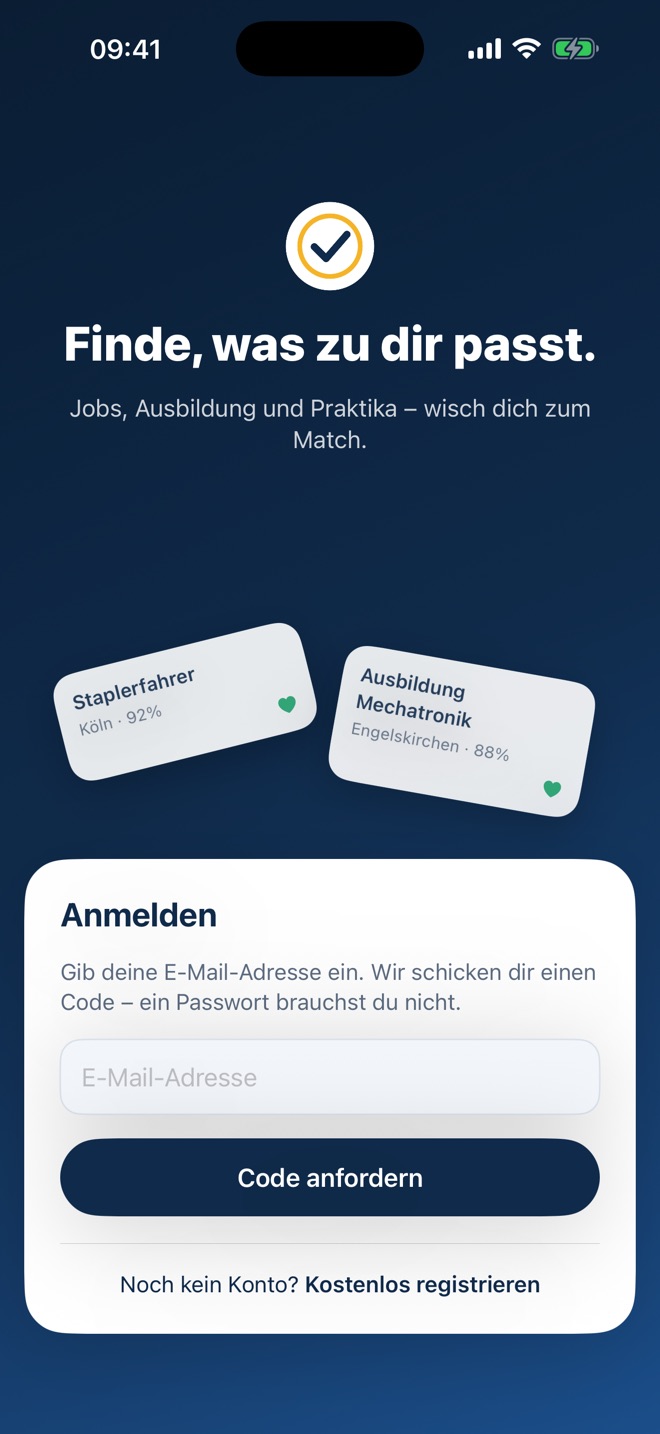
Sign in
No password needed
Enter your email address and we’ll send you a six-digit code. Enter it once – done. You don’t need a password.
- Same account as in the browser
- You stay signed in until you sign out
-
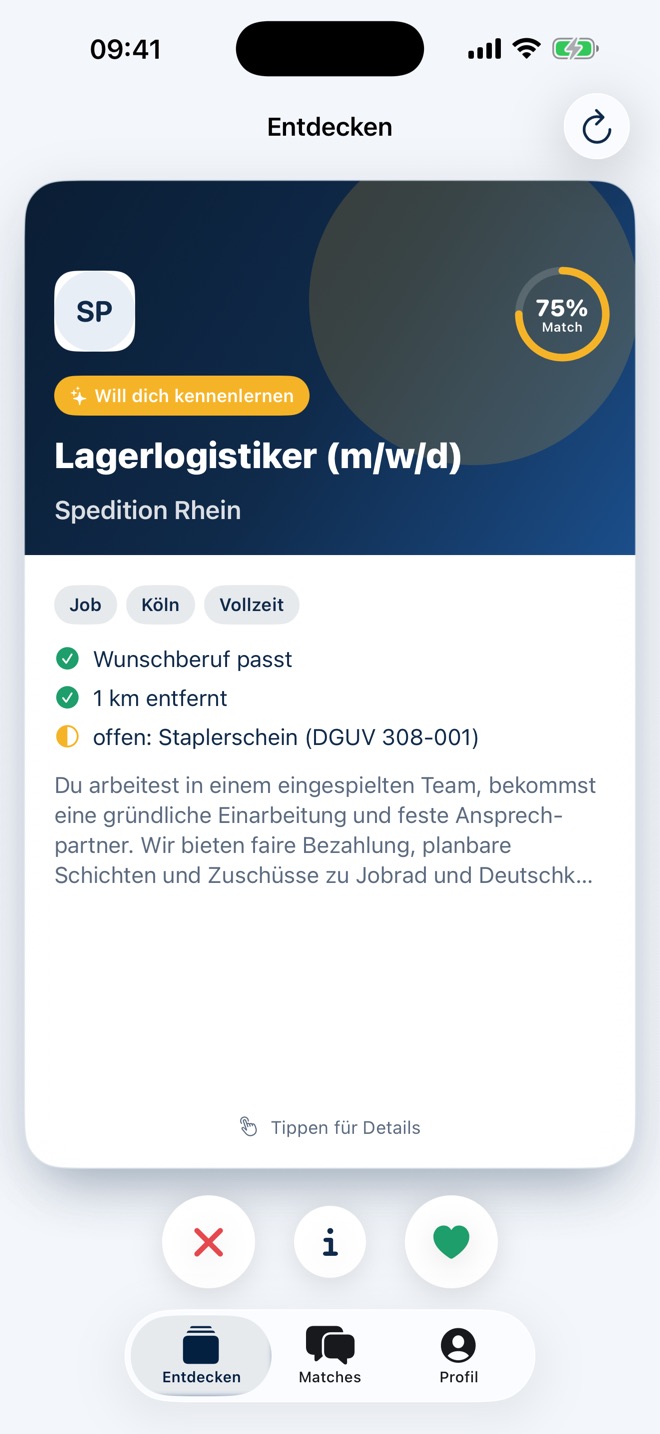
Discover
Swipe through jobs
Each card shows a job that matches your profile – with a match score and the reasons. Tap for all details, swipe right if you’re interested, left to move on.
- Match score in percent
- What fits – and what’s still missing
- A note when the company already wants to meet you
-
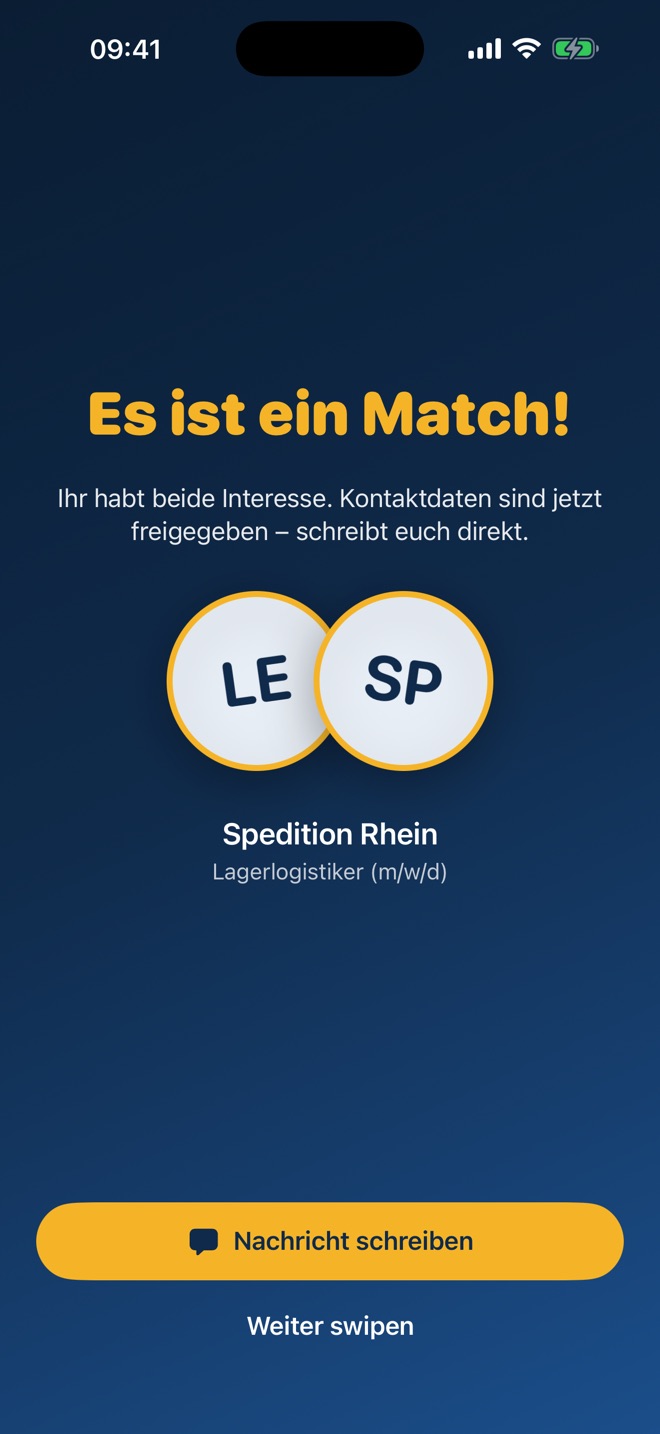
Match
Both are interested
If the company swiped right too, it’s a match. Your contact details are shared and you can get started right away.
-
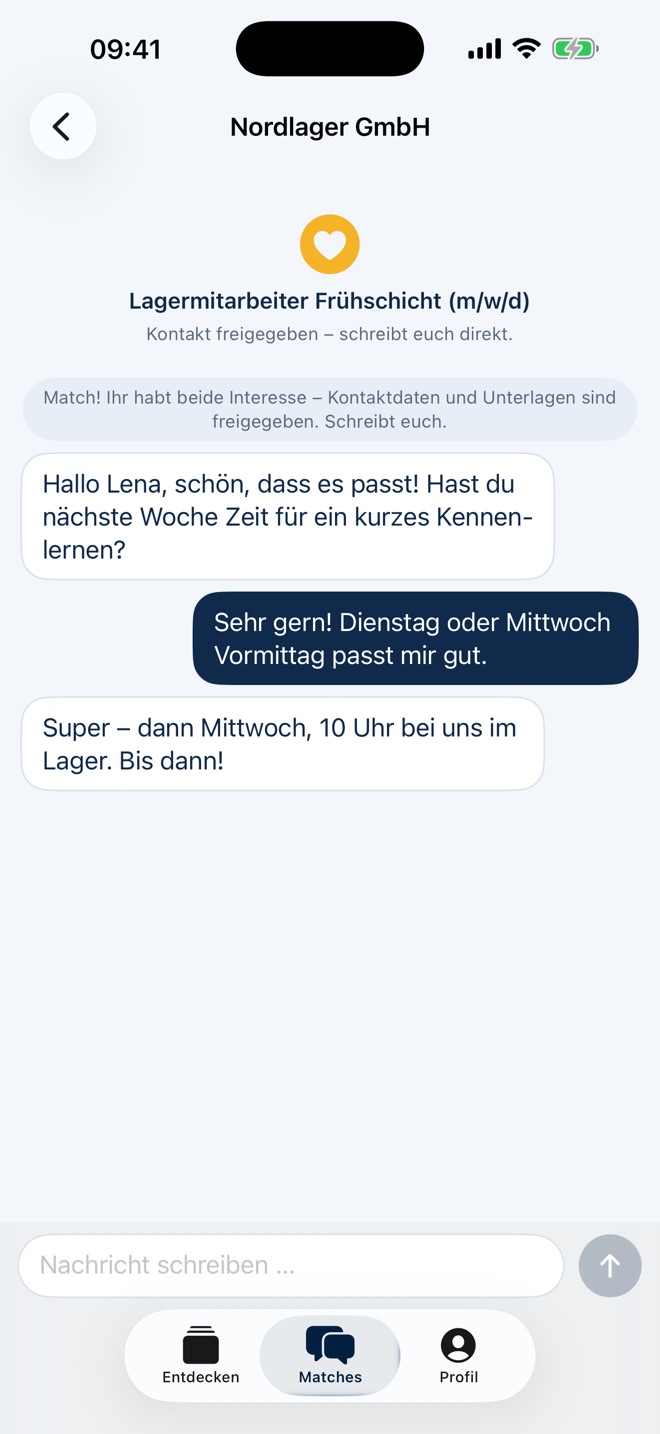
Messages
Write directly
Use the chat to agree on the next step – for example a date to meet. All your matches are collected in one place.
-
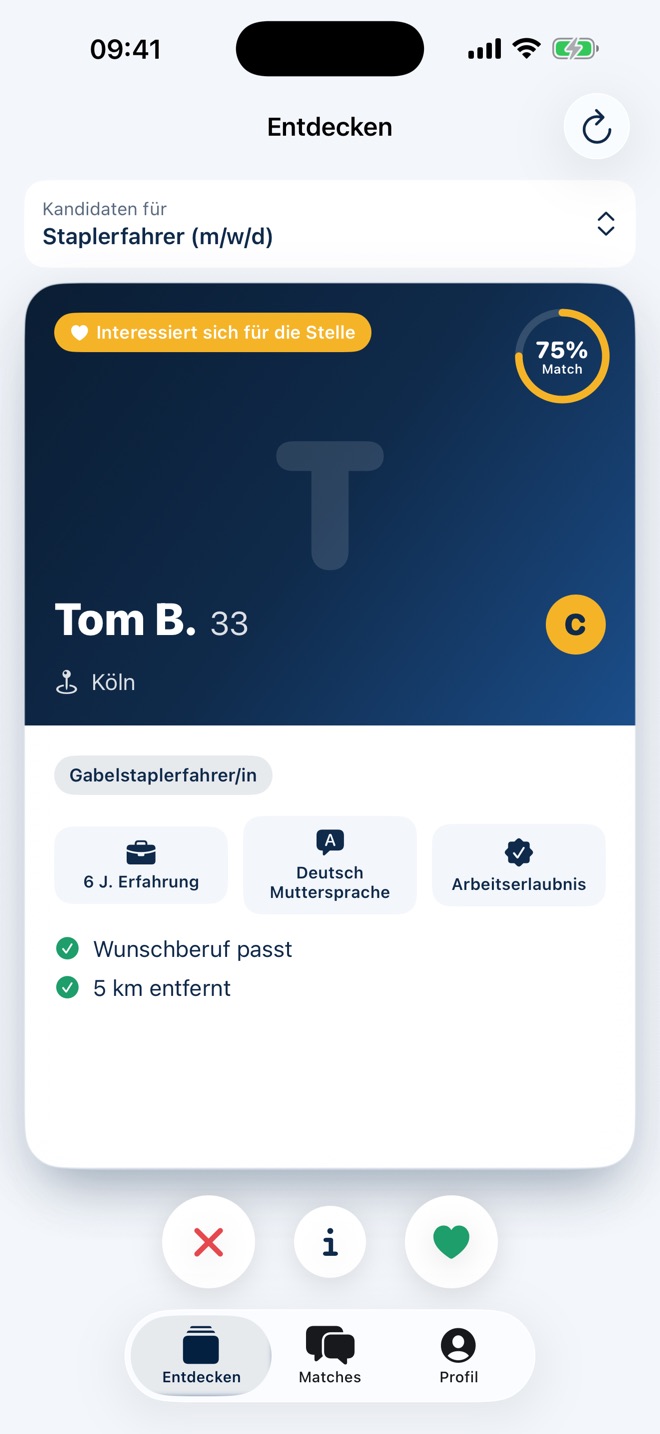
For employers
Swipe candidates
In the app, employers see applicants who match their own job postings – only those, with a match score. Swiping right shows interest; if the applicant is interested too, it’s a match.
- Pick a job at the top, swipe candidates
- Category, experience and language at a glance
- No public candidate pool
Until launch: in your browser
Everything the app can do already works in the browser – create a profile, find jobs, matches and messages.
Register for freeLooking for staff?
Register your company and publish your jobs – you’ll see matching candidates with a match score.
For employers